
Singing Carrots Review
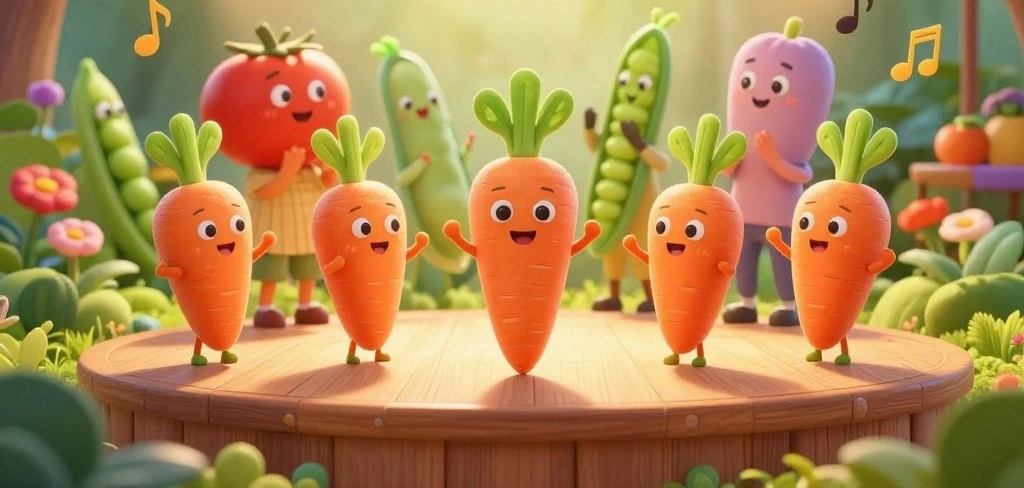
What if your biggest singing problem is not your voice at all—but the way you practice?
Singing Carrots is a web-based training toolbox. It listens as you sing and shows you what’s happening in real time. In this review, you will see how it handles pitch training and tracks your progress.
This matters if you have tried online singing lessons before and felt stuck. Singing Carrots uses simple tests and clear visuals. It includes a range test that maps your vocal range and flags pitch issues you may not hear on your own.
In the sections ahead, you will learn what works and what doesn’t. You will see how this AI-style practice feels and what tools you actually use. You will also learn about courses, teacher features, and the song library.
User feedback is mixed in a useful way. Some people report faster pitch control and a real boost in confidence. Others point to premium upsells. This review breaks down both, so you can decide if Singing Carrots fits your goals.
Quick Verdicts for Pitch Training and Confidence
Singing Carrots is great for quick pitch training. It gives you fast feedback and a clear plan. You sing into your mic and watch the note line to adjust in real time.
Short sessions can boost your confidence. This is true in choir, karaoke, or jam sessions. Many users say it's not a magic pill, but it works.
It claims 80% see results in 2 weeks and 90% in 4 weeks. This sets clear goals for your effort.
But...there is some friction with upgrades. Some people don't like seeing prices after surveys or account setup.

What is Singing Carrots, and who is it designed for?

Singing Carrots is an online voice training system. It listens to your singing and gives you feedback. You can use it in Google Chrome on a computer, tablet, or phone.
It is designed for those who feel lost in their singing lessons. You sing into your mic and see the results right away. This makes it useful for solo practice.
Beginner-Friendly Paths like “From Zero to Singing Hero” and "self-paced practice."
When you start, you choose a path that fits you. Paths like “Start Singing: From Zero to One” help you move forward. Lessons are short, so you can practice often.
There is a beginner-friendly course with no judgment. You can follow prompts or practice at your own pace. Repeat drills until you get it right.
Support for Singers with a Teacher, Self-Study Learners, and Singing Teachers
Singing Carrots supports different learning styles. It is for those with teachers, looking for one, or practicing alone. It also has tools to help teachers with their students.
It acts as a practice partner, keeping you honest about pitch. It's a free tool until you are ready for more. It is also great for casual singers, helping you prepare for music events.
Goals the Platform Emphasizes: Singing in Tune, Expanding Range, Tempo, and Harmonies
Early on, you set goals for practice. Common goals include singing in tune and expanding your range. You can also work on tempo and harmonies.
Goals shape your practice, keeping it focused. This makes singing carrots effective for building habits.
How the Singing Carrots AI Function Changes your Practice
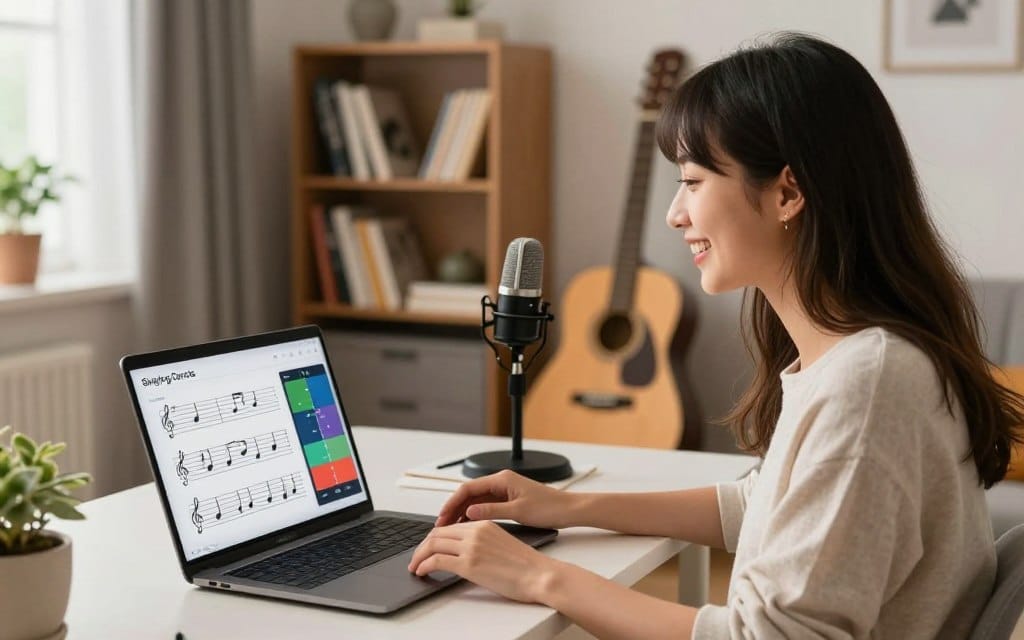
Singing Carrots makes practice feel more like a guided routine. It listens to you sing and maps your pitch and range in real time. This makes pitch training clearer from the start.
AI-Style Guidance that Adapts to your Voice and Daily Progress
As you sing, Singing Carrots gives you prompts like “analyzing your profile.” Then, the next exercise adjusts to what you just did. If you go sharp or flat, it gently nudges you back.
When you return, it picks up where you left off. This saves time and keeps your practice flowing.
This adaptive loop is key when your voice changes daily. It adjusts to your tone, breath, and comfort notes. This makes online singing lessons feel more personal.
Short Daily Sessions Tailored to your Pitch and Range Data
Singing Carrots focuses on short sessions for busy schedules. You get quick drills based on your pitch and range data. This prevents singing too high or too low.
The visual lines help you correct faster. One user found the visual pitch feedback a game-changer after 15–30 minutes a day for a month. This habit-building makes pitch training stick.
Why some users describe it as a “Virtual Teacher” that Remembers your Lessons
If you sing with a guitar, the AI helps you stay on the note while strumming. A beginner said it felt like a virtual teacher after six months. It is not a human coach, but it keeps your practice organized.
The app is consistent; it tracks your progress and guides you every step of the way. With Singing Carrots, you spend less time wondering what to practice and more time singing on purpose.
Core Tools you will use: Tests, Monitors, Games, and Stats
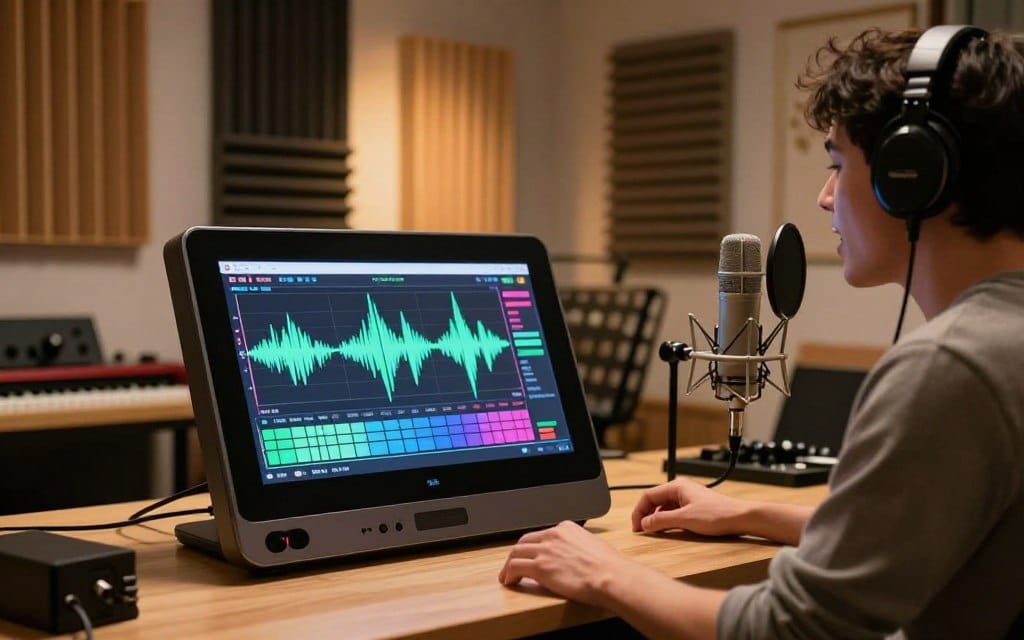
Singing Carrots helps you track your singing progress. It has…
- Tests to check your level
- Goals for planning
- Games to improve technique
- Search for your songs
- Stats to track progress
- and Video Lessons for guidance.
It's all about measuring what you can improve.
This structure is important because singing practice needs clear goals and feedback. Your results are saved to your account to save time and make it easier to keep improving without starting over each time.
Vocal Range Test and History Tracking
The Vocal Range Test shows your singing range quickly. Later tests let you see how your range has changed over time. This makes it easier to see your progress.
Tracking your range helps you see how much you are improving. It's useful when you make changes or try a new microphone.
Pitch Accuracy Test, Pitch Monitor, and Instant Visual Feedback through your Mic
The Pitch Accuracy Test checks how well you hit the right notes. It shows you the result right away. The Pitch Monitor turns your voice into a visual, helping you adjust your pitch while singing.
The toolbox also has a spectrum view to spot issues like noise or breath bursts. Many find these tools very helpful, even though they can be a bit tricky to use at first.
Statistics Dashboard for Progress Tracking and Comparisons
After a few practice sessions, the stats show your progress. Your dashboard collects data from exercises and tests. This shows you how you’re doing without guessing.
It also compares you to other students, which can motivate you when you hit a plateau. For singing practice, these charts and history keep your goals in sight.
Gamification: Points, Daily Note Goals, and Leaderboard Motivation
Games make practicing fun. You earn points, aim for daily goals, and see the leaderboards. This will remind you that others are practicing as well.
Some people even track their ranking to stay motivated. Combining this with the Pitch Accuracy Test and range tests gives you feedback and motivation.
Features that Feel like “Musical Produce” for your Voice
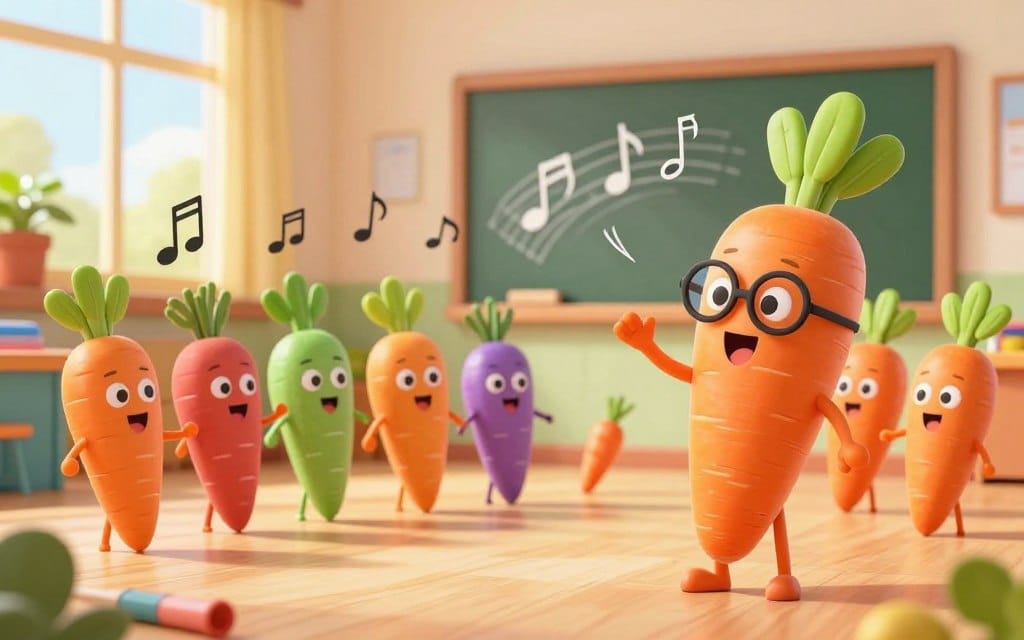
Singing carrots is fun, not boring. You sing into your mic and see real-time feedback on your voice. This helps you quickly make the necessary fixes.
Interactive “Sing-a-Long Carrots” Style Exercises That Make Repetition Less Boring
The sing-a-long carrots make practicing fun. You see your pitch line as you sing. The Points and leaderboards will keep you motivated.
Practice in short bursts to keep you focused and help you avoid getting tired.
Carrot Harmony Practice Ideas: Using Visual Pitch Lines to Lock in Harmonies
Visual pitch lines help with harmonies. You can aim for an interval and see if you hit it. This helps you stay steady.
Try singing the lower line softly, then the upper line. This helps you spot small mistakes and fix them.
How “Musical Produce” Gamification Can Support Consistency (15–20 minutes, 3x/week)
Consistency is key with musical production. Aim for a minimum of 15–20 minutes, 3 times a week. Even humming helps.
Track your progress with singing carrots. Small wins will keep you coming back. Practice should feel easy, not hard.
Singing Carrots Vocal Range Accuracy and Common Range Test Issues

Using Singing Carrots to map your voice is simple. You want results you can trust to plan practice. Most of the time, you get steady feedback to track notes without guessing.
What Users Report: Strong Pitch Detection, but Occasional False High Notes on Breathing
Many users find the pitch readout accurate and easy to follow. This is true when you move slowly through a Vocal Range Test. You sing, and the line follows, showing where you lose control or go sharp.
But there is a common issue during the range test. Breathing in can cause surprise peaks. Some reviews say inhaling can be labeled as extreme notes like F8 and G8, even when you are not trying to sing them.
How to Interpret Extreme Vocal Range Results and Avoid Overestimating Range
If your vocal range accuracy seems too good, it's a sign to verify, not a final score. Some reviews show results like A1–D8, a seven-octave span, or a shift from D3–C5 to A#2–F5 after practice.
Other reports show even more extreme numbers, like F10/G10 and claims of 8.8 to 9.3 octaves. These numbers often mean the mic caught a breath, a click, or room noise as a “note.” So, repeating the Vocal Range Test in a calmer place can help you see patterns.
Tips to Improve Measurement Quality with Mic/Headphones and a Quiet Space
For a cleaner check, use a mic and headphones, even if they are built-in. Headphones reduce speaker bleed, and a steady mic distance keeps the pitch tracker steady.
Choose a quiet room with no background noise, and keep your posture steady during each test. If you can, run Singing Carrots on a supported setup in Google Chrome. This can help with vocal range accuracy from one session to the next.
Singing Carrots Courses
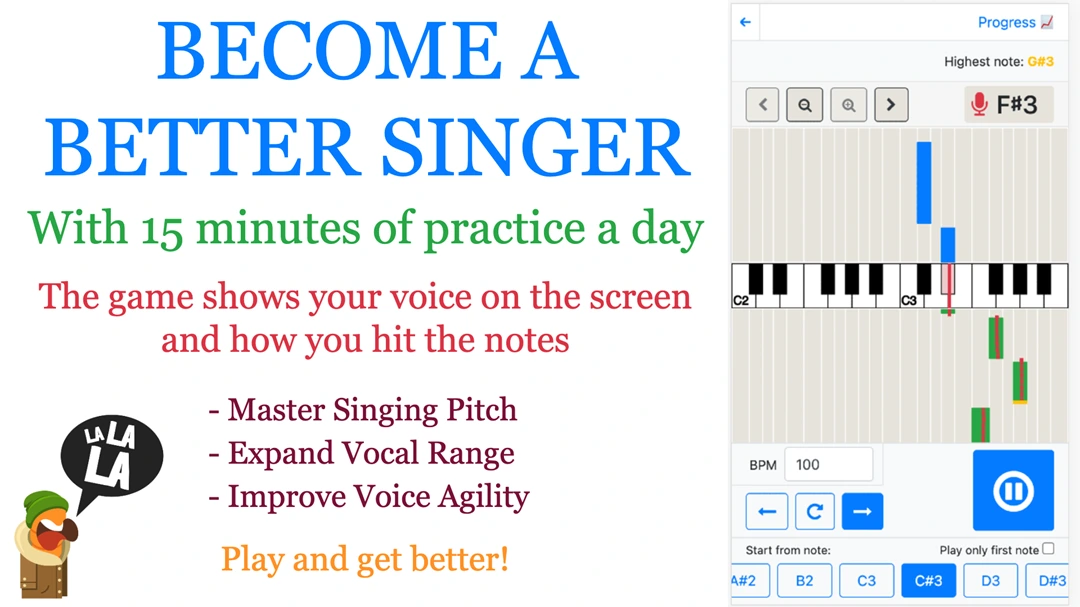
Want structure in your singing practice? The platform offers two clear tracks in online singing lessons. You can follow a guided path and check your pitch and timing right away. This mix keeps your practice honest and shows progress sooner.
All-Round Vocalist Course Overview
The All-around Vocalist course has 21 lessons to make you a flexible, confident singer. You learn about breath support, intonation, and more. It's practical, with clear takeaways for the same day.
One reviewer said they found lesson eight insightful and fun. They liked learning what not to do to help their performance habits. This makes the lessons feel like coaching, not just theory.
From Zero to Singing Hero Overview
Starting from scratch? From Zero to Singing Hero is a 4-week course for beginners. It builds confidence step by step, with simple routines. It's perfect for steady progress without feeling overwhelmed.
Many use this track as a first step before deeper lessons. The pace is gentle but pushes you to sing on pitch.
How Video Lessons Fit with Tool-Based Practice
Videos teach the why, and tools show the proof. After a lesson, you can test and use pitch monitors for feedback. One user said visual feedback changed everything, helping them fix issues fast.
Another liked checking accuracy anytime, not just during sessions. This makes lessons feel more personal, with practice data guiding what to repeat next. It keeps lessons focused on control, not just effort.
Singing Carrots Studio for Vocal Teachers and Remote Instruction
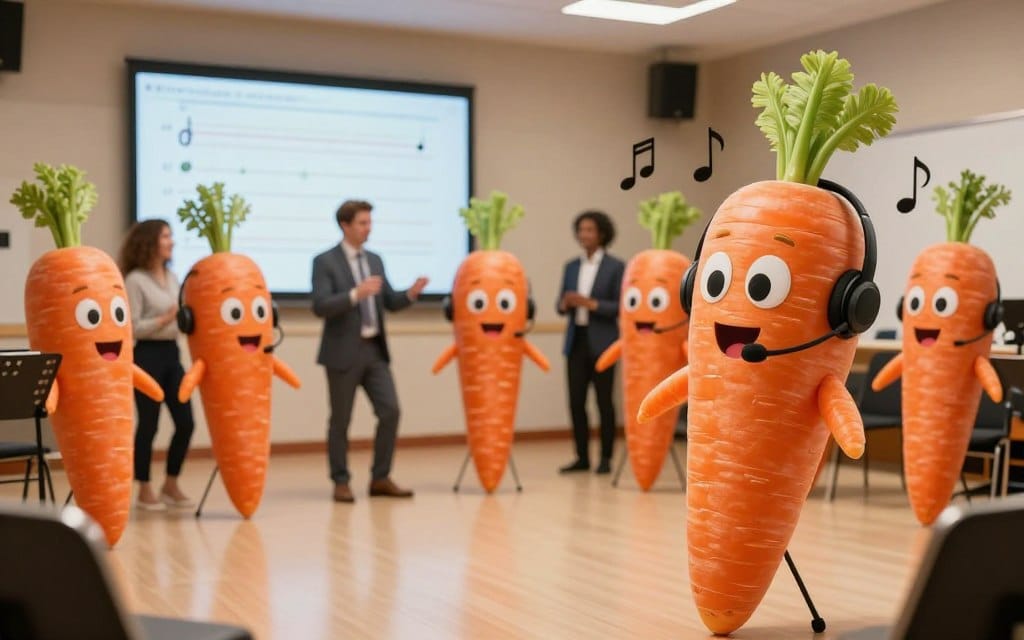
If you teach voice online, tech is key. Singing Carrots Studio is made for remote teaching. It has tools for real coaching, not just meetings.
It's also part of an ambassador program. This means free access for qualified teachers.
Why Some Teachers Say Audio Quality Can Beat Zoom/Teams/Skype Alternatives
Sound is vital for teaching voice. A teacher said Singing Carrots calls are "amazing." They found it easy to set up and simple for students to join.
They also said the sound is better than Zoom, Teams, and Skype. It's as good as Mooz and match my sound, with clear pictures and reliable sharing. This helps you focus on teaching, even on busy days.
Student Profiles that Store Recordings so You Don’t Have to
Admin tasks can take up too much time. Singing Carrots Studio keeps recordings in one place. This means no more chasing emails or lost files.
This setup also shows progress clearly. For many, this is a quiet but valuable upgrade.
How Students Can Use the Song Database and Pitch Monitor Between Lessons
Students can keep practicing between lessons. Inside Singing Carrots, they can explore the song database. They can also use the pitch monitor to check their pitch.
This way, lessons start with momentum. You can focus on shaping their performance, not just re-teaching.
Song Database and Finding Songs That Fit Your Voice
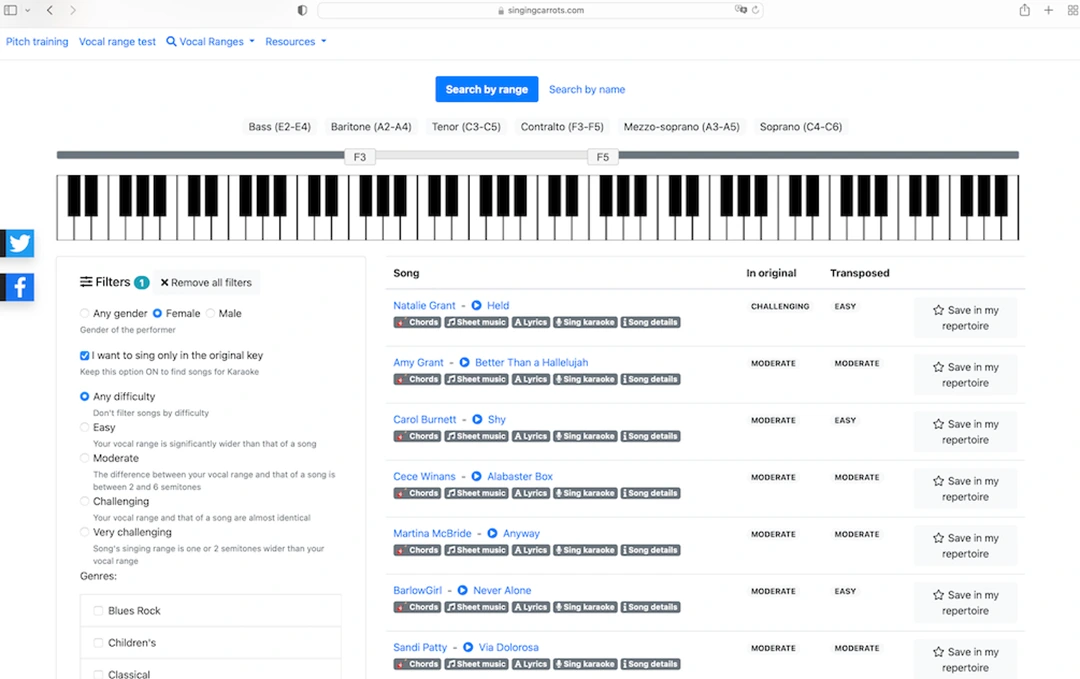
Knowing your vocal range makes choosing songs easier. With your singing carrots results, you can pick songs that feel right.
Using Your Measured Range to Match Songs From a Large Catalog (Over 75,000 Titles)
The song database connects your range to real songs. You get access to over 75,000 songs and thousands of famous artists.
Matching your range to songs is practical. You look for songs that fit your comfort zone. It also helps you find songs to work on later.
Filtering by Difficulty and Genre to Build a Realistic Repertoire
Filters make finding songs easier. You can choose by difficulty and genre. This keeps your songs realistic and protects your voice.
If you're practicing with the Singing Carrots voice lessons, filters help. You can work on phrasing and pitch without struggling with hard songs.
Song-Book Workflow: Organizing Karaoke/Performance Sets with Linked Resources
The Song-book workflow is for real use. You can make lists for karaoke nights or performances. Keep your songs organized in one place.
Each song can link to resources like lyrics and sheet music. You spend less time searching and more time singing.
Pricing Transparency, Premium Value, and What You Should Know Before Subscribing

Before you sign up for singing carrots, it's good to know a few things. The signup process and plan limits can make a big difference. People have mixed feelings about the Singing Carrots pricing, mainly when they see the full rate card.
What Users Report Seeing: Roughly $19–$39/Month Range, and Concerns About Pricing Visibility
Some users say they see a monthly cost of about $19–$39. Many complain that the price details only show up after you have finished a survey and created an account.
One reviewer felt the setup asked for too much personal info before showing costs. This left them with a bad impression, even though they wanted to try the tools.
Free vs Premium Expectations: What “Limited But Free” Feels Like in Real Use
The free tier is seen as “limited but free.” It lets you test pitch tracking and basic routines. For some, it's useful, like when you can't afford a private teacher but want to practice.
Others find the premium prompts annoying and call it a money grab. Yet, paying members often say it's “excellent value” for beginners and advanced singers. They also think it's “not too pricey” for what you get in singing carrots voice lessons.
Discounts Mentioned for Students/Disadvantaged Groups, and What to Look For
The company says the free tools are just a sample. Premium offers deeper resources and helps cover costs. They also offer discounts to students and disadvantaged groups. They believe paying can make you more engaged with learning tools.
A user mentioned seeing a student discount without knowing the amount. When comparing plans, check for discount terms in your account settings or checkout before signing up.
Pros, Cons, and Who Should Buy Singing Carrots vs Alternatives

Singing Carrots is great for pitch training. It uses a mic to show if you are sharp or flat. It also tracks your progress with tests and stats.
It's perfect for beginners, like guitar players who need to improve their pitch. Singing Carrots makes it easier.
Daily goals and leaderboards keep you motivated. Even busy days won't stop you. Singing Carrots Studio is great for voice lessons, with features for teachers.
It has tools for recording and reviewing student work. This makes teaching easier and more organized.
But there are downsides. Some find the pricing confusing. It costs around $19–$39 a month.
Some users feel the premium version is too pushy. The app can be a bit hard to use at first.
Choose Singing Carrots if you want to improve your pitch.
It's also good for catching rare mistakes, like false high notes. Make sure to test in a quiet room with a good mic.
If you need real-time feedback, traditional online singing lessons might be better. But for voice-first teaching, Singing Carrots Studio is a top choice.